
Your Seattle workplace probably has dozens of devices collecting dust, fingerprints, and bacteria every single day. Keyboards, monitors, and touchscreens are breeding grounds for germs that spread illness through your team.
Proper office equipment care isn’t optional-it’s what keeps your workspace healthy and your technology running longer. We at Bumble Bee Cleaning Services help businesses tackle this challenge with proven deep cleaning methods that actually work.
Getting Your Workplace Tech Assessment Right
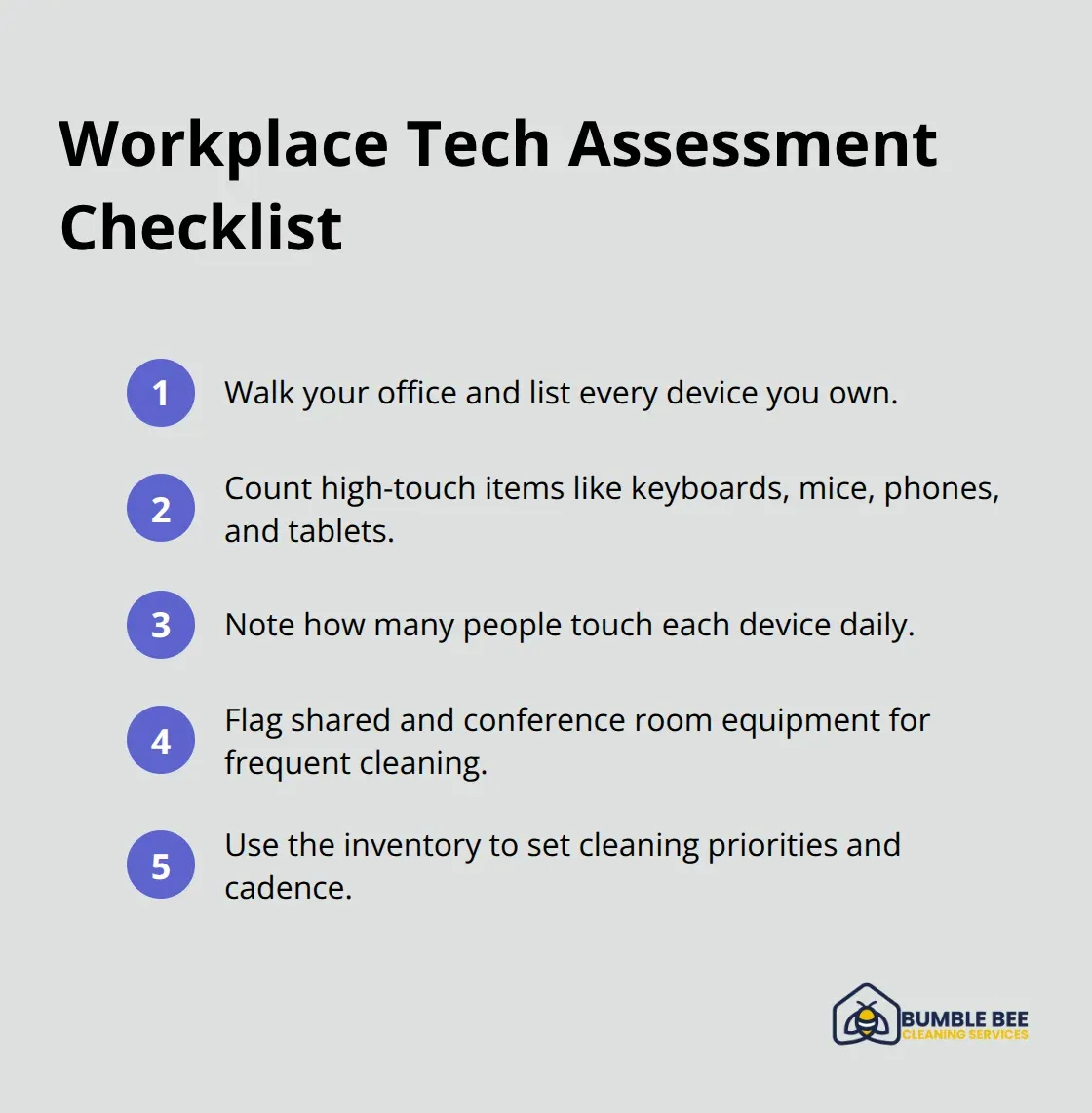
Start by walking through your Seattle office and documenting what you actually own. Most workplaces have no idea how many devices they’re responsible for. Count keyboards, monitors, mice, phones, tablets, printers, conference room systems, routers, and any shared touchscreen equipment. Write down which devices get touched most frequently and by how many people. High-touch workplace tech like keyboards, mice, and phones in busy offices harbor microbes that spread illness. This inventory becomes your baseline for deciding what needs aggressive cleaning and how often.
Next, look at your current cleaning approach honestly. Are you wiping down keyboards once a month or never? Does anyone actually clean the monitor screens? Are cables and ports collecting dust behind desks? Most workplaces admit they have no formal tech cleaning protocol at all, which means germs accumulate unchecked. This gap is where clean workspaces make a measurable difference in employee performance and sick days.
Identify Your Contamination Hotspots
Identify the devices that multiple people touch throughout the day. Conference room tablets, shared phones, printer panels, and common desk keyboards are contamination hotspots that demand daily attention. If your office is open-plan with shared workstations, those stations need cleaning between users, not once weekly.
Walk your office like you’re looking for crime scenes. Conference rooms, break rooms, and reception areas have the heaviest device use and the most germ transmission. These spaces should get daily sanitization with EPA-registered disinfectants appropriate for electronics. Touchscreens and phone handsets require special attention since they make direct contact with faces and hands. Keyboards and mice in shared spaces need cleaning at least once daily, preferably multiple times if the office is busy.
The CDC emphasizes that cleaning surfaces before applying sanitizers actually works better than disinfectants alone, so your protocol should include a two-step approach: first clean with soap and water or appropriate cleaners, then apply an electronics-safe disinfectant.
Create Accountability Through Documentation
Assign specific people to specific devices on specific days. Vague responsibility means nothing gets done. One person owns the conference room tech cleaning on Monday through Friday. Another handles all keyboards in the main workspace. Someone cleans phones and headsets daily. Document it in writing so accountability is clear.
The ISSA recommends keeping a cleaning log that shows who cleaned what and when. This simple practice transforms cleaning from something that might happen into something that actually happens. Start with daily cleaning for high-touch items and weekly deep cleaning for everything else. If your office has more than ten employees, this workload demands either a dedicated staff member or professional help from a commercial cleaning service with experience in electronics sanitization.
With your assessment complete and your schedule locked in, you’re ready to tackle the actual deep cleaning work that keeps your devices functioning and your team healthy.
The Right Way to Deep Clean Workplace Tech
Power Down and Protect Your Equipment
Power down and unplug every device before you touch it. This single step prevents electrical shocks, protects your equipment from moisture damage, and keeps your team safe. Most offices skip this critical step and spray cleaner directly onto powered devices, which invites disaster. Once everything is off and disconnected, you can actually clean effectively without risking your hardware investment.
Clean Keyboards and Mice First
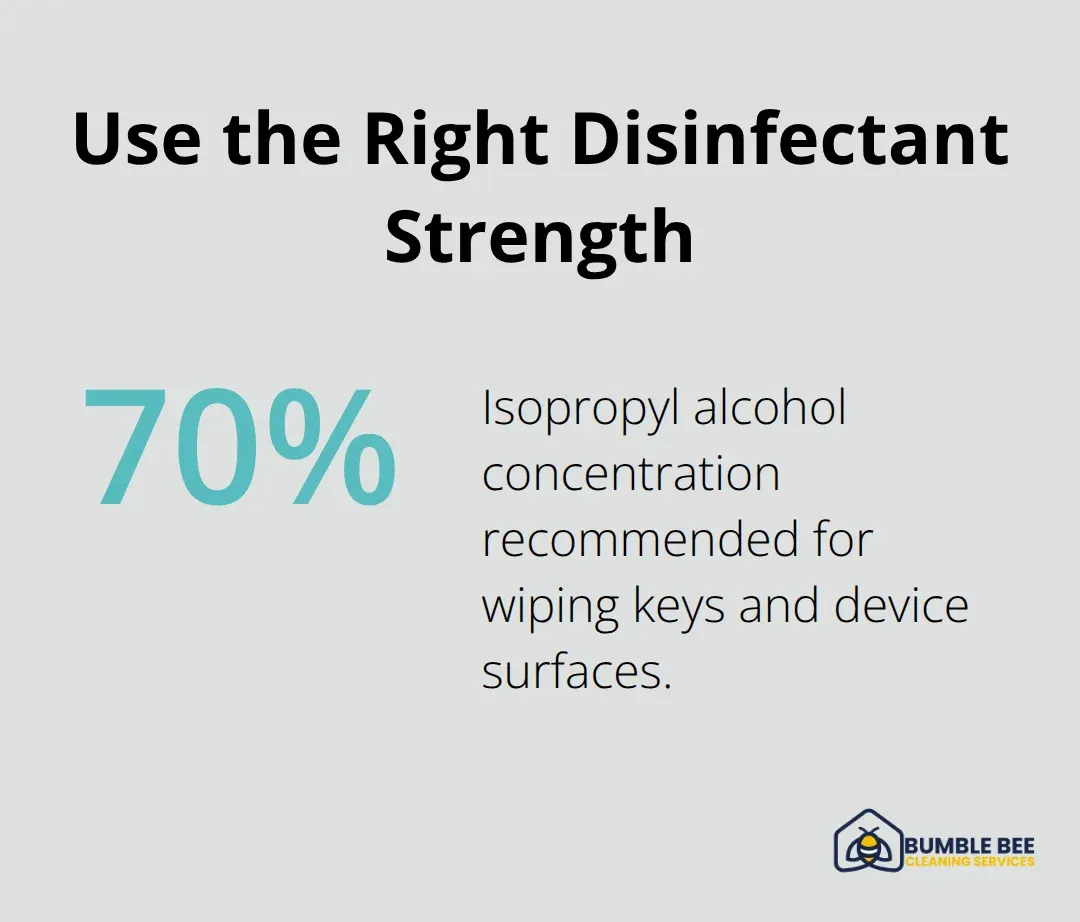
Start with keyboards and mice since they collect the most visible debris and harbor bacteria from constant hand contact. Use compressed air held upright to blast dust from between keys, then wipe each key individually with a microfiber cloth slightly dampened with 70% isopropyl alcohol. Never let liquid drip between keys or into openings.
For mice, remove visible debris with compressed air, then wipe the entire surface with your alcohol-dampened cloth.
Handle Monitors and Screens with Care
Monitors require a different approach because screen coatings scratch easily. Use only microfiber cloths and avoid ammonia-based cleaners that degrade protective coatings. Apply your electronics-safe cleaner to the cloth first, never directly to the screen, then wipe gently without pressing hard. Printers and copiers demand attention to paper paths and toner areas where dust accumulates and causes mechanical failures. Clean external surfaces with electronics-safe wipes, but keep moisture away from paper feed mechanisms and internal components.
Sanitize High-Touch Surfaces and Ports
High-touch surfaces like conference room tablets and phone handsets need sanitization with EPA-registered disinfectants designed for electronics. The CDC recommends a two-step process: clean first with soap and water or appropriate cleaners to remove visible dirt, then apply your disinfectant and allow proper contact time according to the product label. This approach works better than disinfectant alone because dirt actually shields germs from chemical treatment.
Cable management areas and ports collect dust that blocks airflow and degrades performance. Use compressed air to clear ventilation openings and ports, holding the can upright and keeping distance to avoid discharge damage. For tight spaces around docking stations and charging ports, apply isopropyl alcohol to cotton swabs rather than spraying liquid directly. Touchscreen devices in shared spaces like reception areas need daily sanitization because they receive constant hand contact. Use a soft touch when cleaning screens and avoid pressing hard, which causes unresponsiveness or damage.
Allow Complete Drying Before Restart
Allow all devices to dry completely before powering them back on. Moisture inside electronics causes short circuits and component failure, so patience here protects your investment. If your Seattle office handles this work internally, document each cleaning session to maintain accountability. Professional commercial cleaning services with electronics experience handle this work more efficiently and thoroughly than most in-house efforts can match, which is why many businesses turn to specialized teams when their workload exceeds available staff capacity.
Maintaining Clean Technology Between Deep Cleans
Daily sanitization stops bacteria buildup
The deep clean you just completed loses its value within a week if your team reverts to old habits. Daily maintenance between deep cleans prevents bacteria buildup and extends device lifespan. Phones, keyboards, and conference room tablets need quick sanitization every single day, ideally multiple times in busy offices. A 30-second wipe-down of a phone handset with an isopropyl alcohol cloth takes almost no time but stops germs from accumulating.
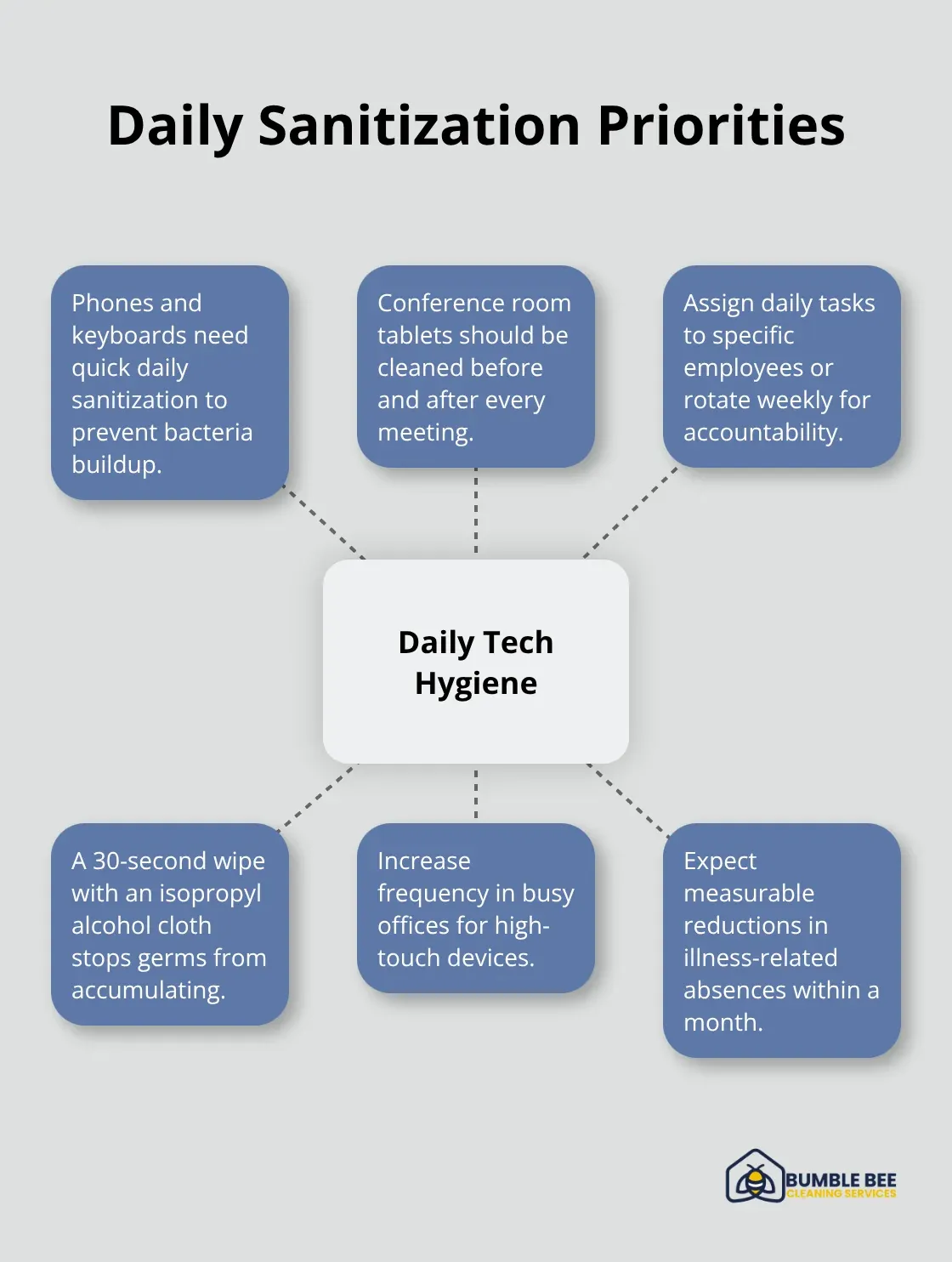
Conference room tablets should get cleaned before and after every meeting, not once daily. Assign these quick daily tasks to specific employees or rotate them weekly so accountability stays clear. Most offices that implement daily phone and keyboard sanitization see measurable reductions in illness-related absences within a month.
Train Your Team on Proper Device Care
Your team will only maintain these routines if they understand why they matter and how to do them correctly. Train employees on proper device care techniques by showing them that applying cleaner to a cloth first prevents internal corrosion, while pressing hard on touchscreens causes unresponsiveness and inserting tools into ports scratches components. Provide each workstation with a dedicated microfiber cloth and a small bottle of electronics-safe cleaner so the supplies stay accessible. Protective covers on keyboards and mice reduce visible contamination between cleanings and make daily wipe-downs faster. Some offices use wipeable keyboard covers that trap dust and allow quick removal for cleaning.
Weekly Maintenance for Cables and Ventilation
Cable management areas and ventilation openings collect dust that blocks airflow and degrades performance. Conduct a quick compressed air blast weekly to prevent dust from blocking airflow and degrading performance. This simple step keeps your devices running cooler and more efficiently. Most importantly, establish that device care is everyone’s responsibility, not just the facilities team’s job. When employees own the cleanliness of their own workspace, consistency improves dramatically (and your IT costs drop as a result).
Final Thoughts
Deep cleaning your Seattle workplace tech delivers immediate and long-term payoffs that most businesses underestimate. Germs on keyboards and phones spread illness that costs you sick days and lost productivity, while dust buildup inside devices causes overheating and component failure that forces expensive replacements years earlier than necessary. When you commit to proper office equipment care through regular deep cleaning and daily maintenance, your team stays healthier and your technology lasts significantly longer.
The financial case for consistent tech cleaning is straightforward. A keyboard replacement costs $50 to $150, but a monitor can run $300 to $800, and servers or conference room systems cost thousands. Dust and moisture damage that you could have prevented with basic cleaning becomes catastrophic failures that shut down operations and drain your budget. The CDC confirms that regular cleaning and disinfection of high-touch devices reduces germ transmission, which directly lowers your healthcare costs and absenteeism, and most businesses that implement structured cleaning protocols report measurable reductions in sick days within the first month.
If your team lacks the time or expertise to maintain this level of care, professional help makes sense. We at Bumble Bee Cleaning Services bring experience and industry standards to workplace tech cleaning, handling everything from daily sanitization to deep cleaning with eco-friendly products and a quality guarantee that protects your Seattle workplace technology and keeps your team healthy.
For more information about our cleaning services in Seattle and Atlanta, or to request a cleaning quote, call or text us at 425-786-1360 or email us at info@qbclean.com
